GetDown is live. It's a free, open-source web app I built to turn a media link into an MP4 video or an MP3/M4A audio file—without installing a desktop app, creating an account, or learning command-line flags.
I like yt-dlp. It's an incredibly capable project. But for a quick download, opening a terminal, checking the format list, selecting streams and converting the result can be more work than the task deserves. I wanted to keep the engine and give it a straightforward interface.
The result is GetDown: a browser-based frontend for yt-dlp and FFmpeg, with real jobs, visible progress, temporary downloads and a self-hosting option. The code is public under the MIT license.
Try GetDown · View the source on GitHub
How it works
- Paste a media URL. GetDown asks yt-dlp for metadata before starting a download.
- Check the preview. When the source responds, you'll see its title, thumbnail, creator, duration and reported resolutions.
- Choose a format. Save a video as MP4, or extract audio as MP3 or M4A. For video, choose the best available quality or a resolution cap.
- Download your file. The queue shows status, progress, speed and estimated remaining time. You can cancel a job, and a completed file gets a temporary browser download link.
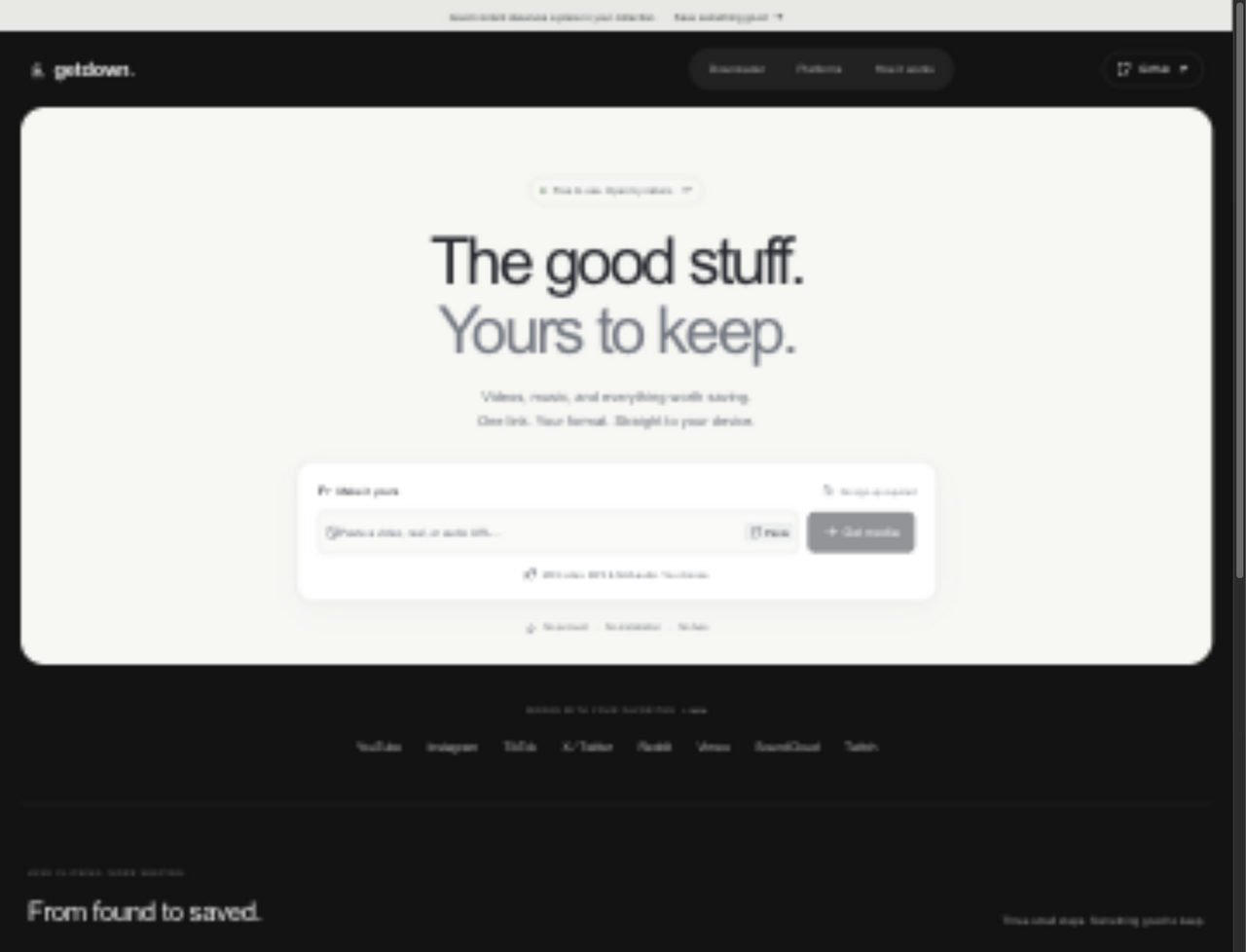
There are a few small details I care about. You can paste from the clipboard, you get actionable errors instead of a frozen loading state, and refreshing the page can recover your current job through a session-stored job ID as long as the server still has that job. The interface also adapts to mobile screens.
What GetDown actually includes
| Feature | Implementation |
|---|---|
| Video | MP4 with selectable quality cap, subject to source formats |
| Audio | MP3 and M4A extraction/conversion |
| Preview | Title, creator, duration, thumbnail and available resolutions |
| Download jobs | Queue, progress, speed, ETA, cancellation and temporary file links |
| Access | No registration or account system |
| Tracking | No built-in analytics or advertising trackers |
| Hosting | Docker Compose, with a separately hardened Dokploy deployment |
| License | MIT for the GetDown app; its dependencies have their own licenses |
This is not a new media extraction engine. GetDown deliberately builds on yt-dlp's extractors and FFmpeg's media processing. That means I can spend time improving the workflow rather than pretending to replace two mature open-source projects.
What's under the hood?
The application uses Next.js 16, React 19, TypeScript and Tailwind CSS 4. Its backend starts yt-dlp as a subprocess to inspect and retrieve media. FFmpeg handles merging and audio conversion where required.
The flow is simple: Browser → Next.js API → yt-dlp → FFmpeg (when needed) → temporary file → browser download.
A job moves through queued, downloading, processing and completed (or failed/cancelled). Download progress comes from yt-dlp; the UI polls the job endpoint rather than inventing a percentage. Processing is shown separately because merging video/audio or transcoding can continue after the source download is finished.
For now, the queue and job metadata live in memory, and the files live on the server's temporary storage. That is intentional for a small single-instance deployment, but it is also a limit: restarting the server interrupts jobs, and you cannot safely add replicas without redesigning the queue and storage. There is no Redis/BullMQ backend or distributed worker system in this version.
The README documents the available API endpoints, environment variables and current architecture.
Live deployment: Dokploy, Cloudflare and network isolation
I deployed GetDown at down.livvux.dev using Dokploy, with Cloudflare in front. The deployment uses a single application instance behind an ingress service, plus a dedicated outbound proxy.
That extra infrastructure matters. A public downloader processes URLs supplied by strangers. Even an allowlist of initial hostnames is insufficient if an extractor follows redirects or requests additional manifests. I therefore put the application on an internal-only Docker network and force yt-dlp's outbound requests through a proxy configured to block private, loopback, link-local and other reserved destinations. The containers also use restricted privileges and read-only filesystems.
This is defense in depth, not a claim that every possible abuse path has been eliminated. Public media tools still need monitoring, updated extractors, resource limits and sensible rate limits.
The production instance also has deliberately conservative capacity limits:
| Public instance setting | Limit |
|---|---|
| Concurrent downloads | 1 |
| Waiting jobs | 4 |
| Maximum output file | 100 MB |
| Maximum known media duration | 30 minutes |
| Job execution timeout | 10 minutes |
| Finished file retention | 15 minutes |
The last row is important: GetDown is not permanent cloud storage. Finished downloads are available for a limited time and then removed. On the public deployment, temporary download storage is also discarded on container restart. The app has no user accounts or built-in analytics, but the media platform still sees the server-side request, and any service operator controls the infrastructure.
What has been tested?
The launch checks covered HTTPS, the health endpoint, desktop and mobile UI, and the outbound network restrictions. Real MP4 and MP3 downloads completed successfully, and their resulting files were checked with FFprobe. CI checks passed for the deployed code.
That verifies working end-to-end downloads from the tested public sources. It does not mean every platform or every link will work.
YouTube, Vimeo and other platform restrictions
GetDown's initial URL allowlist includes platforms such as YouTube, TikTok, Instagram, X/Twitter, Reddit, Vimeo, Twitch and SoundCloud, along with several others. An allowed hostname only means the app will attempt to inspect that source; it does not guarantee a successful download.
The two limitations observed at launch are worth being explicit about:
| Source tested | Result |
|---|---|
| YouTube | The server IP was challenged with bot verification. That download could not proceed. |
| Vimeo | The tested video required a login. That download could not proceed. |
| Public test media | MP4 and MP3 retrieval succeeded; output was validated with FFprobe. |
I have not implemented a cookies, account-login or bot-verification bypass. Private, DRM-protected, geoblocked or authenticated videos may remain unavailable. Playlists, livestreams and image galleries are also outside the current scope.
yt-dlp supports many extractors, but service-side changes and anti-bot controls are outside GetDown's control. I'd rather show a truthful error than claim universal support.
Run GetDown yourself
The easiest way to try the project locally is Docker Compose:
git clone https://github.com/Livvux/getdown.git
cd getdown
docker compose up -d --build
Then open http://localhost:3000. The dependency health endpoint is available at http://localhost:3000/api/health.
If you prefer developing without Docker, the repository documents a Node.js 22+ setup with Python's yt-dlp and FFmpeg installed on your PATH.
Important: The simple Compose setup is for local use, not a substitute for a secure public deployment. If you expose GetDown on the internet, follow the production isolation guide and enforce network-level outbound restrictions. Restricting the URL field alone does not protect against every downstream request.
Why open source?
I don't want a basic media utility to depend on a subscription, a closed download API or an opaque service. GetDown itself is MIT-licensed: you can inspect it, improve it, fork it and host your own copy. yt-dlp and FFmpeg remain subject to their respective licenses.
It is also important to use download tools responsibly. Only download media you own or have permission to save, and respect copyright law and the terms of the source platform. GetDown does not bypass DRM.
I built this to make an existing open-source workflow easier, not to promise that every platform's restrictions can be overcome. If you want a clean web interface today, try the hosted version. If you want control over the infrastructure or want to improve the project, the code is available.
Open GetDown · Source code and issues · Self-hosting and security notes
Project and deployment details as of October 17, 2026. Platform availability and public instance limits can change.