A computer should feel like yours.
Not like a place where you keep dismissing someone else's priorities. That is what interests me about the Linux conversation: less operating-system tribalism, more people asking whether their setup still serves them.
Omarchy is a good project through which to examine that question. It offers a distinct desktop instead of trying to be a slightly different Windows. Its appeal is not just that you can change things. Someone has already made a coherent set of choices for you to start from.
But three things need separating: dissatisfaction with Microsoft, the visibility of Linux on YouTube, and whether your own games actually work. They are connected. They are not interchangeable evidence.
Why Windows is making people reconsider
The criticism is not entirely imaginary. Microsoft's Windows privacy documentation describes an advertising ID and suggested content in Settings. It also explains controls for disabling them. That distinction matters: annoying defaults are a valid complaint without pretending that users have no settings at all.
For me, the more interesting question is why an operating system needs so much negotiation. I want to open a project, make something, or play a game. An additional recommendation is not automatically an improvement to that experience.
There is also a practical decision point. Standard Windows 10 support ended on October 14, 2025. The computer did not stop working, and eligible users can enroll in Extended Security Updates. But the end of normal support is a reasonable moment to reconsider the next operating system.
Windows 11's requirements include a supported processor and TPM 2.0. Home and Pro for personal use also require an internet connection and Microsoft account during initial setup. A working computer failing an upgrade check is not the same thing as a computer having no useful life left.
That does not make Omarchy a universal rescue system for old hardware. Check its requirements and your devices separately. The point is that replacing a computer and replacing its operating system are different decisions.
“Microslop” is a symptom, not the argument
Some critics now call Microsoft “Microslop”, a mocking nickname associated with the backlash to its AI push. It is an online expression of frustration, not a representative survey of Windows users.
I understand the feeling behind it. I am less interested in turning it into a team sport. AI is useful when I choose it for a task. That does not mean I want every part of my computer reorganized around selling me the next AI feature.
Microsoft has also responded. In its March 20, 2026 Windows quality commitment, it announced a more selective approach to Copilot entry points and improvements to reliability and update control. Those are commitments, not proof that every complaint has already been solved. Still, claiming Microsoft has said nothing would be unfair.
YouTube makes Linux feel less distant
A visible part of this conversation happens on YouTube. The “why Linux” search is a useful starting point, and Omarchy's own homepage highlights creator videos about the project.
Two concrete examples are NetworkChuck's “You need to switch to Linux RIGHT NOW!!” and typecraft's “They finally fixed linux”.
These titles sell a feeling: the alternative is no longer something you have to imagine. You can look at a desktop, see a workflow and decide whether it appeals to you. A video can turn an abstract argument about software freedom into a practical question: could I use that tomorrow?
My reading is that this makes creators important to the conversation. They give people a place to begin. Tutorials, comments and follow-up experiments can make learning feel less solitary.
But a persuasive video is not a compatibility report. Search results are not adoption statistics. And a creator switching computers does not prove that their viewers did the same. The YouTube scene explains some of the visibility around Omarchy; it does not establish a mass migration to it.
Why gamers can take Linux seriously
For gamers, the useful development is not a new wallpaper. It is compatibility work.
Valve's Proton builds on Wine to let Windows games run on Linux through Steam Play. It provides a compatibility layer rather than requiring each game to have a separate native Linux version. That work belongs to Valve and the wider open-source ecosystem, not to Omarchy alone.
Valve’s Steam Deck provides a concrete example: it ships with the Linux-based SteamOS and Proton. In my view, that makes Linux gaming easier to picture as an everyday activity rather than a technical challenge. It does not guarantee identical results on a different desktop computer.
The practical consequence is a different starting question. Instead of asking only whether a developer released a Linux build, you can investigate whether the Windows version works through Proton. That is a much more useful conversation for someone with an existing library.
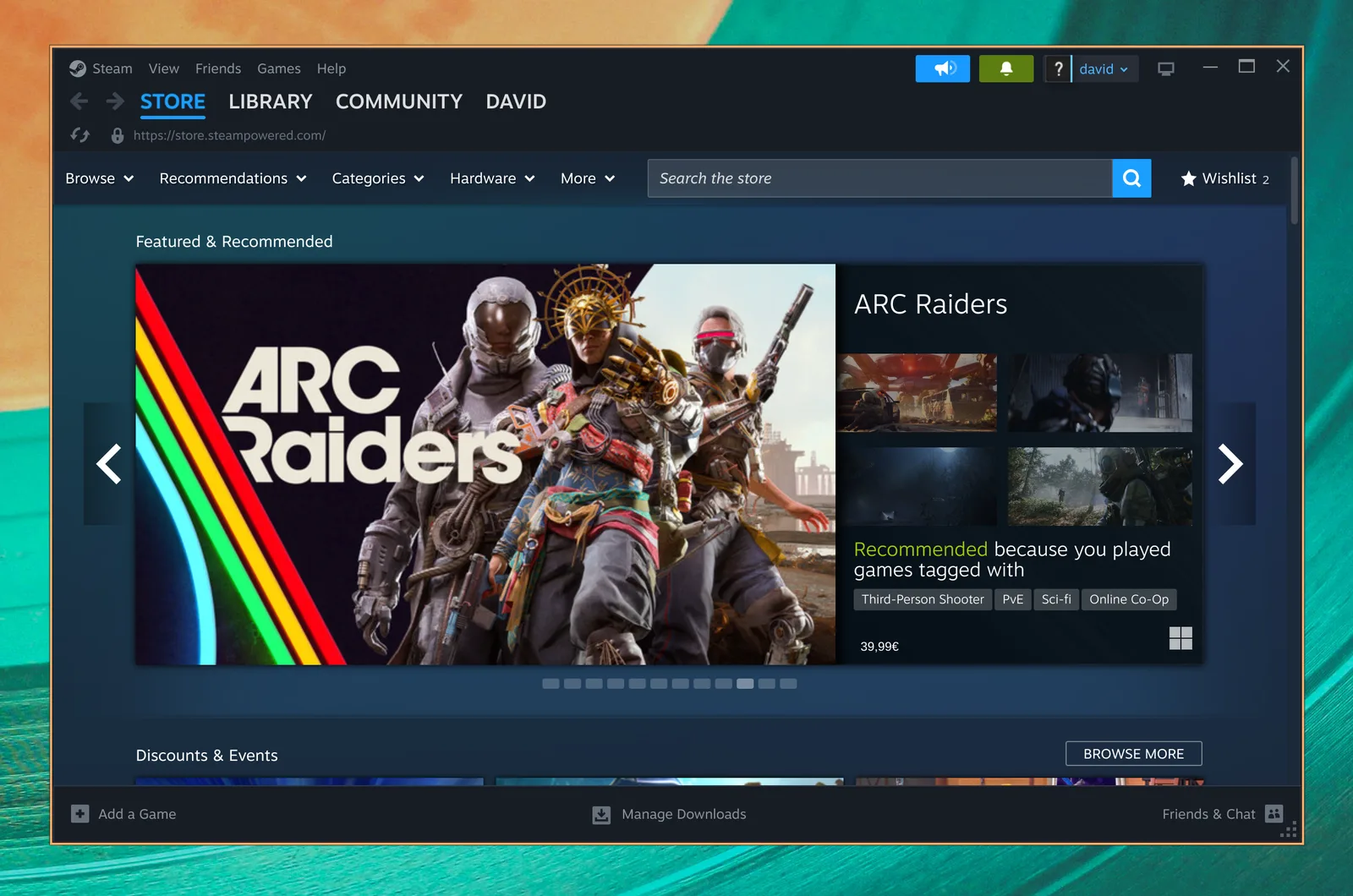
Omarchy makes those tools easier to reach. Its gaming manual documents Install > Gaming > Steam, alongside installers for tools such as Heroic and Lutris. These are installation options, not a claim that every launcher arrives preinstalled or every game is supported.
Anti-cheat remains a real boundary
Valve's developer documentation explains that Proton can support Easy Anti-Cheat and BattlEye, but developers must enable or configure support for their games. Support for an anti-cheat product does not mean every game using it works.
For your decision, one incompatible multiplayer game can matter more than hundreds of compatible games you never play. Do not test only whether a title reaches its menu. Test an actual match, voice chat, your controller and the features you use with friends.
Use ProtonDB as a source of community reports, then check the game's own support information and test your setup. Pay attention to report dates and hardware. A result on somebody else's machine is a lead, not a guarantee.
Omarchy also documents a Windows virtual machine, but its standard setup is not a gaming escape hatch: the project homepage explicitly notes the lack of GPU acceleration or passthrough. Keeping a native Windows installation can be the sensible choice for a must-have game.
Why Omarchy specifically gets attention
The manual describes an Arch-based distribution using Hyprland for tiling windows and Quickshell for its desktop interface. It expects some comfort with a terminal and configuration files. This is not a project pretending that Linux can only succeed by copying Windows.
The attraction, to me, is the starting point. Freedom is good. Having to make fifty unrelated decisions before doing anything useful is not automatically better. A curated setup gives you something concrete to accept, change or reject.
Its desktop introduction shows the difference: Super + Space opens the menu, tiling arranges windows without overlap, and numbered workspaces separate activities. On a typical PC keyboard, Super is the Windows key.
Imagine a workspace for an editor and documentation, another for communication, and another for a game. You are not trying to keep every window visible at once. You are deciding what belongs together.
That might feel focused. It might also feel unfamiliar. Neither reaction is wrong. Omarchy makes most sense when you are curious about a different way of using a computer, not merely looking for Windows with another logo.
It is also worth separating desktop appeal from gaming performance. A polished theme is not an FPS benchmark. A well-integrated menu does not remove a driver bug. Evaluate the experience you actually care about.
The irony: Omarchy is not anti-AI
This is the part a simple “Microslop versus Linux” story misses.
Omarchy's AI documentation describes launchers for agents including Claude Code, OpenCode and GitHub Copilot CLI. They download tools on first use, and users can choose a default agent. Some documented shortcuts and task-launch paths use unattended, auto-approving modes.
So check permissions and what you send to providers before using them. A Linux desktop does not make a cloud service local, or an autonomous agent harmless.
The useful distinction is control, not the absence of AI.
I want to choose a tool because it helps me. I also want to understand what it can access and how to stop it. That standard should apply to Omarchy just as much as Windows. Someone who wants a desktop with no AI emphasis may simply dislike Omarchy's direction.
That is not a contradiction in Linux's appeal. It is the reason alternatives matter. Nobody needs to like the same defaults.
The numbers do not say everyone is leaving Windows
The Steam Hardware & Software Survey for August 2026 reported:
| Operating system | Share in the survey |
|---|---|
| Windows | 93.95% |
| Linux | 3.90% |
| macOS, listed as OSX | 2.14% |
Linux fell by 0.11 percentage points from the previous month. Participation is voluntary; this is not the share of all computers or a count of people switching. Nor does it establish an Omarchy adoption rate.
A visible community and a dominant market position are different things. I find the practical alternatives interesting without needing to pretend Windows has already lost.
Try it without turning curiosity into a disaster
My recommendation is to start with a short personal checklist, not a dramatic uninstall.
Check your non-negotiables. Your main games, work software, microphone, displays, printer and accessibility needs matter more than a generic list of supported apps. Try a normal working day, not just the first ten minutes after installation.
Protect the machine you already have. Read the installation guide and current dual-boot instructions. Omarchy now documents both approaches; the full-disk option erases the selected drive. Back up important files, retain recovery keys, and understand the Secure Boot and disk-encryption implications before changing firmware or partitions. A virtual machine can help you learn the interface, but it is not a native gaming-performance test.
Use the supported update path. The update documentation describes a default stable channel with an Arch mirror about a month behind upstream, plus snapshots and configuration migrations through its updater. That is more considered than “every upstream change immediately.” It still does not replace backups or maintenance.
You do not need to delete Windows to prove that you like open source. Test, compare, and keep an exit route.
A better reason to switch
I have already written about why code should be free to inspect, change and share. The same idea applies here: I want software that leaves room for the person using it.
For me, Omarchy is interesting because it offers a clear alternative, not because it wins every comparison. YouTube makes that alternative visible. Proton makes investigating it more practical for gamers. Frustration with Windows gives people a reason to ask the question in the first place.
The decision should still come down to your computer, your games and your work.
The operating system should serve the person using it. Not the other way around.
Sources checked on September 25, 2026. This is a source-based editorial, not my own hands-on Omarchy benchmark. Features, game compatibility and survey figures can change; the survey above is specifically the August 2026 snapshot.